ANC Headphones with Hearing Aids: Interference Prevention
By Maya Takahashi • 12th Dec
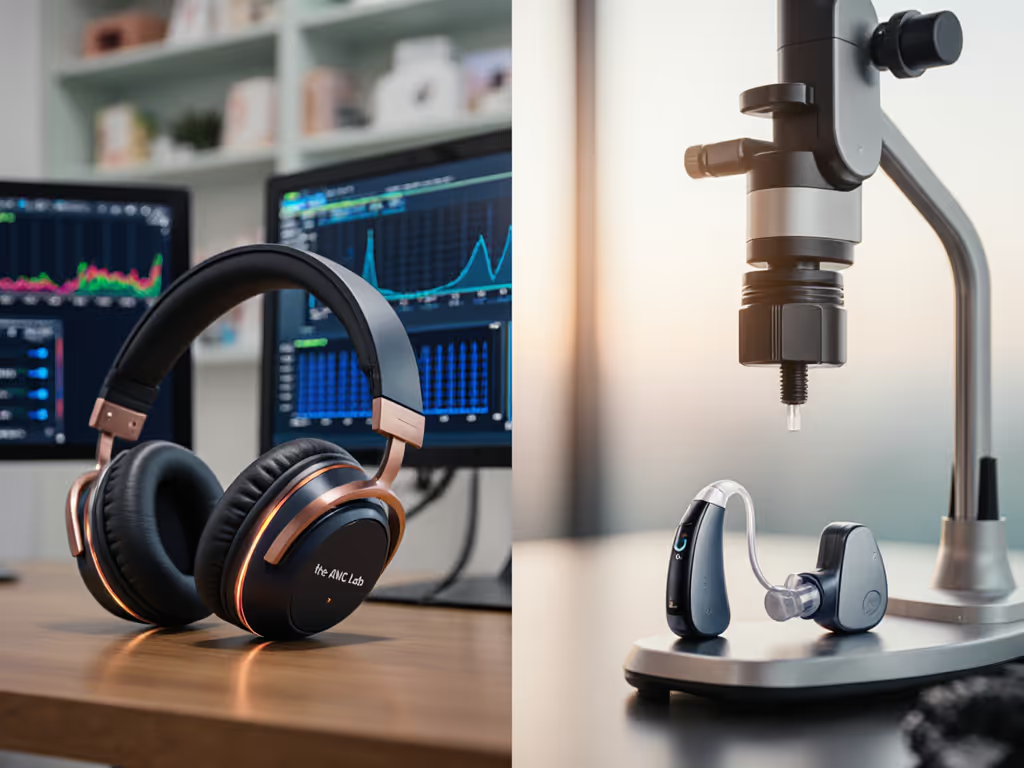
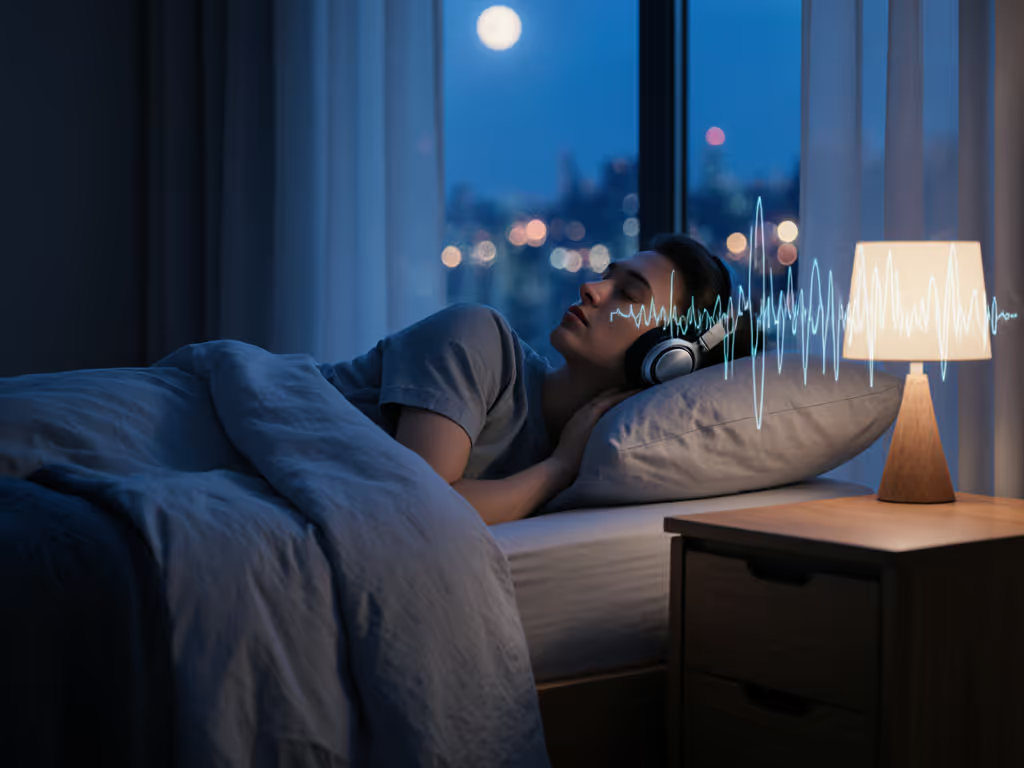
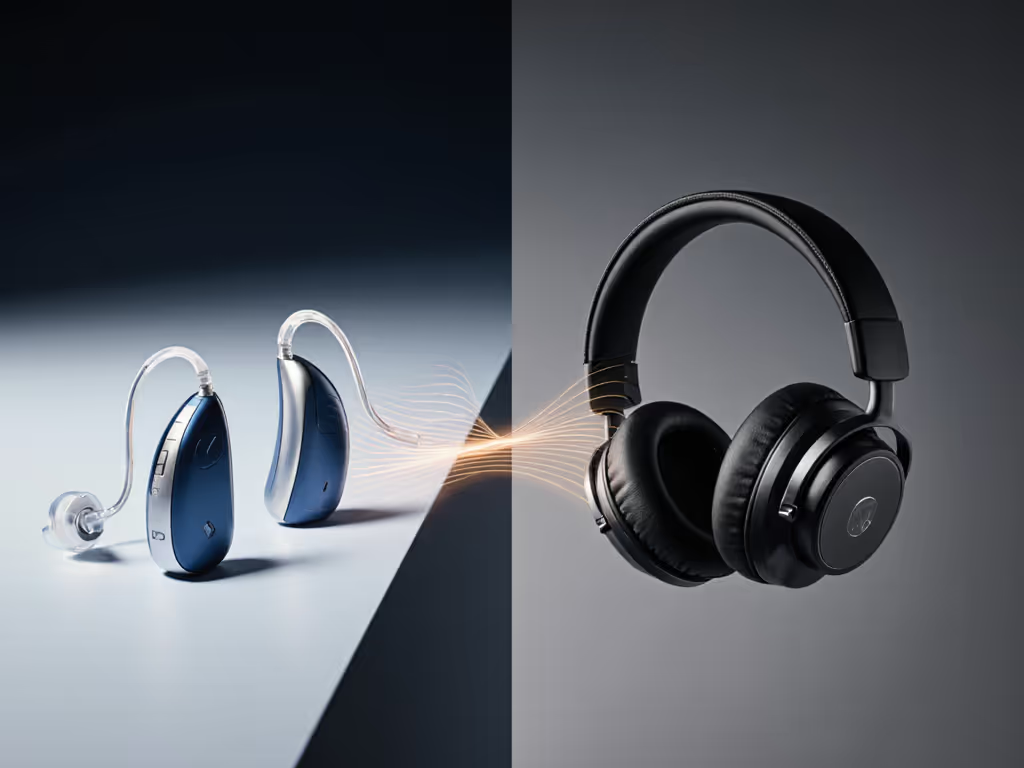
For many people using both ANC with hearing aids, understanding how to merge modern noise cancelling headphones with assistive listening technology can feel like navigating uncharted territory. You want to block the subway screech or office chatter without disrupting your hearing aid function (noise cancelling headphones shouldn't mean choosing between quiet and clarity). Let's clear the confusion with practical solutions that work in real-world settings, not just lab conditions.
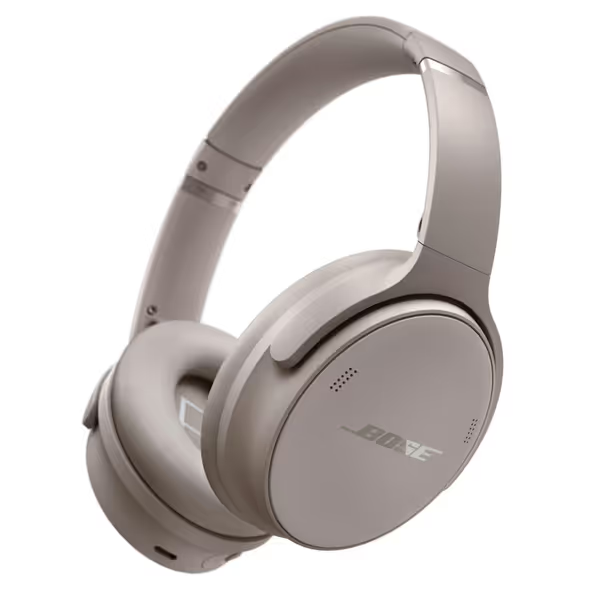
Bose QuietComfort Headphones
Legendary noise cancellation and comfort for distraction-free listening and calls.
$199
Battery LifeUp to 24 hours
Battery LifeUp to 24 hours
Pros
World-class ANC and plush comfort for long sessions.
Adjustable EQ and Aware Mode for situational awareness.
Cons
Some users report inconsistent Bluetooth connectivity.
Value/reliability questioned by some customers.
Customers praise these headphones for their superb sound quality, excellent noise cancellation, and well-made construction. They are comfortable, recharge quickly, and connect easily with Bluetooth, though some report connectivity issues. The value for money receives mixed reviews, with some finding them well worth the price while others consider them overpriced. Functionality is also mixed, with some reporting the headphones work incredibly well while others say they quit working.
Customers praise these headphones for their superb sound quality, excellent noise cancellation, and well-made construction. They are comfortable, recharge quickly, and connect easily with Bluetooth, though some report connectivity issues. The value for money receives mixed reviews, with some finding them well worth the price while others consider them overpriced. Functionality is also mixed, with some reporting the headphones work incredibly well while others say they quit working.
Why ANC and Hearing Aids Get Complicated
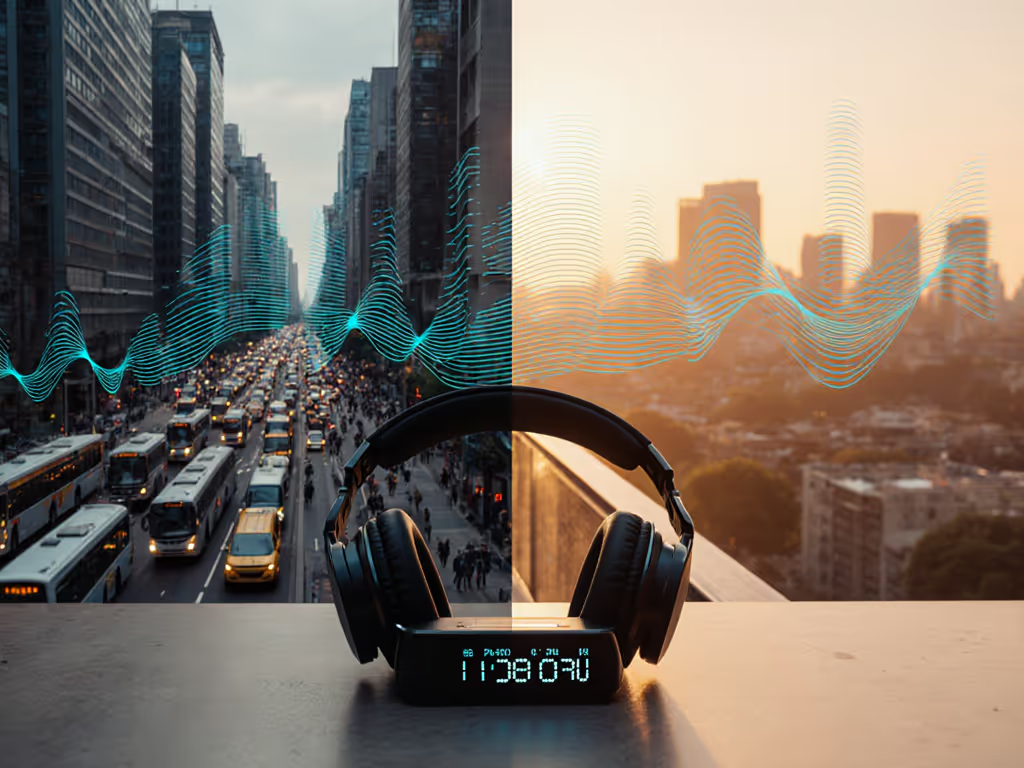
Hearing aids amplify specific frequencies to match your hearing profile, while ANC headphones create inverse sound waves to cancel ambient noise. When worn together, these competing audio processes can cause:
- Feedback loops (whistling or high-pitched sounds)
- Reduced noise cancellation effectiveness
- Audio distortion in both devices
- Unexpected battery drain from system conflicts
The key isn't avoiding technology but configuring it properly. For step-by-step setup across common environments, see our optimize noise cancelling guide. I recently helped a colleague troubleshoot their setup on a windy platform. They had returned two pairs as "broken" before we found a simple app toggle that resolved the issue. Clear interfaces matter; the right defaults save ordinary people from unnecessary returns and daily friction.
Frequently Asked Questions: Practical Solutions
Q: Can I wear over-ear ANC headphones with behind-the-ear hearing aids?
A: Yes, with strategic positioning. Look for headphones with deep earcups that don't press against your hearing aids. The Bose QuietComfort's plush earcups, for example, often accommodate most BTE devices without contact pressure. Before buying, check:
- Earcup depth (minimum 1.8 inches)
- Swivel adjustment range
- Headband tension control
Try this: Put on your hearing aids first, then adjust headphones to sit around rather than on your aids. If you hear static, slightly rotate the headphones forward to create space behind your ears.
Q: How do I prevent my hearing aids from picking up ANC processing noise?
A: Disable unnecessary microphone modes. Most hearing aids automatically switch to directional microphones in noisy environments, which conflicts with ANC processing. In your hearing aid app:
- Find "noise reduction" settings (often under Advanced)
- Set to "moderate" instead of "maximum"
- Disable "wind noise reduction" if using ANC outdoors
This reduces competition between systems. If it adds friction, it steals your focus and time.
Q: Why do my headphones cancel voices along with background noise?
A: Voice preservation requires manual tuning. Most ANC systems prioritize low-frequency rumble (planes, traffic) over speech frequencies. For conversations:
- Activate "conversation mode" if available (Sony's "Speak-to-Chat", Bose's "Conversation Mode")
- In your hearing aid app, increase "speech clarity" boost by 15-20%
- Set ANC to "balanced" rather than "max" for office environments
Pro tip: Test with a colleague's voice recording. Adjust until you hear consonants clearly without background roar.
Q: What's the best setup for phone calls with both devices?
A: Route audio through one system. Running both ANC mics and hearing aid mics creates echo and distortion. Choose:
- For quiet spaces: Use hearing aid telecoil (if available) with phone held near T-coil receiver
- For noisy spaces: Pair phone directly to ANC headphones and turn hearing aids to 'M' (microphone off) setting
Most modern hearing aids have discrete program buttons. If call clarity is the priority, understanding the difference between ANC and ENC will help you pick the right mic path. Set one to "streaming only" for call days. Set it once; let it disappear.
Environment-Specific Fixes
Open Offices
Hearing aids often amplify HVAC whoosh and keyboard clatter, while ANC headphones try to cancel them. This creates constant audio competition. Fix it by:
- Setting ANC to "office mode" (reduces over-processing of mid-frequencies)
- Asking your audiologist to create a dedicated "open office" program with reduced sensitivity above 2kHz
- Positioning your hearing aids' microphones slightly downward to capture voice from below ambient noise
Public Transit
Subway screech sits in the 2-4kHz range where most ANC systems struggle. Our frequency-specific ANC guide shows which models tame 2-4 kHz squeal versus low-frequency rumble. Combine approaches:
- Enable "wind block" mode on headphones (reduces high-frequency processing)
- Set hearing aids to "transportation" program with mid-frequency boost
- Use passive isolation (silicone sleeves over hearing aids) for extreme noise spikes
Outdoor Walking
Wind creates the trickiest interference. Most hearing aids interpret wind noise as speech and amplify it, while ANC tries, and fails, to cancel it. The solution:
- Disable ANC completely for windy conditions
- Use hearing aids' "wind noise reduction" at maximum
- Wear a light scarf loosely around your neck (reduces direct wind on microphones)
The Real Test: What Actually Works?
Research shows canal-style earbuds with ANC cause fewer interference issues than over-ear models for hearing aid users. But real-world reliability matters more than lab specs. Before committing:
- Try the wind test: Step outside with both devices for 5 minutes
- Check call clarity: Make a test call in moderate background noise
- Verify program switching: Ensure hearing aid programs change without ANC interruption
Technology should disappear so your focus can appear. When your devices work together seamlessly, you stop troubleshooting and start living in the moment.
Finding Your Balance
You don't need to choose between hearing protection and noise cancellation. The right configuration lets both systems complement rather than compete. Start with these universal steps:
- Consult your audiologist about "ANC compatibility mode" (available in many newer hearing aids)
- Set hearing aids to mono-audio mode when using single-sided ANC
- Disable automatic ANC switching during calls
- Create a "quiet mode" program that works with ANC's baseline processing
This isn't about perfect silence, it's about reclaiming your auditory environment without constant adjustment. The best setups require minimal maintenance once properly configured. Set it once; let it disappear.
Next Steps for Confident Listening
If you're still experiencing interference after these adjustments, consider trying different ear tip styles with your hearing aids. Sometimes a simple switch to dome-shaped tips reduces wind noise significantly. Many audiologists now offer "ANC compatibility" as part of their service packages; ask about this when you get your next hearing test. If you're exploring devices that combine amplification with active cancellation, compare picks in our verified ANC hearing aids guide.
For deeper technical insights, the Hearing Loss Association of America publishes annual guides on assistive listening technology integration. Their "Hearing Aid and Headphone Compatibility Checklist" provides environment-specific testing protocols you can use with your audiologist.
Remember: Your perfect audio solution exists, it just needs the right configuration. With thoughtful setup, you can enjoy both clear hearing and peaceful quiet, no trade-offs required.
Related Articles